
It Says Offline Again
Printer Support in Fort Worth, TX
The printer worked Friday. Nobody touched it. Now it's offline. Sound familiar?
Office Printer and Copier Support in Fort Worth
Printer support fixes the connection, driver and setup problems that keep office printers, copiers and scanners from working. IT Services Fort Worth arranges it for businesses around the city. Send the make and model to contact@fortworthitservices.com.
No machine in the building causes more muttering. It jams for one person and not another. It prints for the whole office except the desk by the window.
Most of the time the printer isn't broken at all. Its network address changed, or a password update broke scan to email, or an old driver got pushed out by an update.
Those are IT problems, and they stay fixed once somebody sets the thing up properly.
Why Choose Us for Printer Support?
Fixed at the Root
A stable address and a proper driver, so the same printer isn't offline again next month.
Lease Returns Handled
Copiers keep copies of what they scan. The FTC advises businesses to wipe that storage before a machine leaves.
Plain Advice on Replacing
When a printer costs more in ink and time than a new one, you'll be told.
Works With Your Copier Dealer
The dealer handles parts and toner. Network and computer setup gets handled here.

Common Printer Problems and How They're Fixed
Six complaints cover nearly every call.
Printer Shows Offline
The printer gets a fixed network address so computers stop losing track of it.
Scan to Email Stopped
The copier's mail settings are updated to current sign-in methods so scans arrive again.
Driver and Queue Trouble
Stuck jobs are cleared and the right driver is installed on every computer.
New Printer Setup
A new machine is added to the network and to each person's computer, with defaults set sensibly.
Label and Receipt Printers
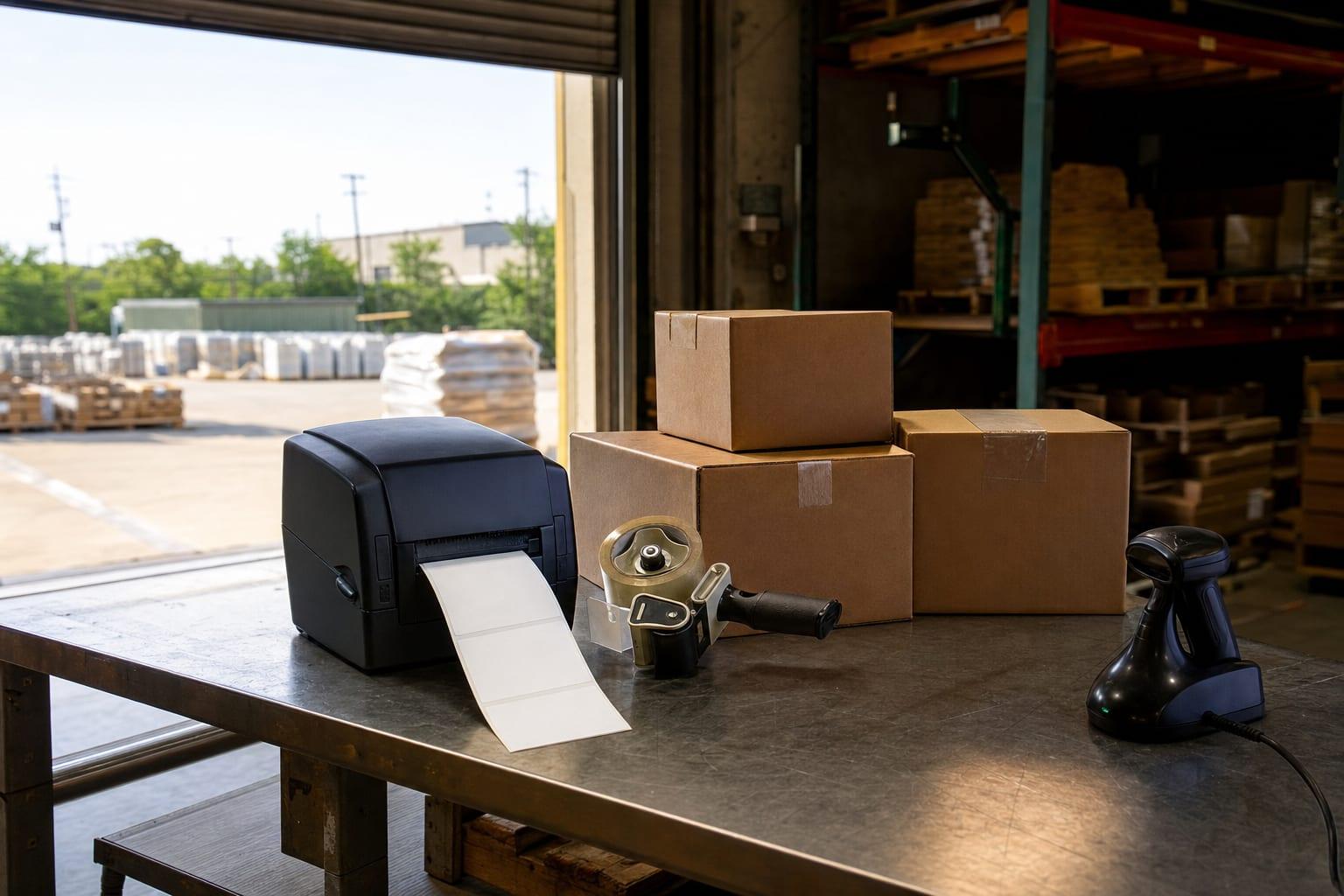
Shipping label printers and point-of-sale receipt printers get the same care, since a dock that can't label can't ship.
Copier Security
Default admin passwords are changed, and stored scans are cleared before a leased copier goes back.
How Printer Troubleshooting Works
Report It
Share the model, the error on its screen and who can't print.
Check Remotely
The printer's network settings and the affected computers are examined.
Fix the Setup
Addresses, drivers and scan settings are corrected.
Test From Each Desk
Every person who uses the printer sends a page.
Leave a Note
The settings are written down and taped inside the cabinet door.
Talk to a Fort Worth Managed IT Team
What's the model, and what does the little screen say?
Call (682) 371-3476Get a Free Quote
No obligation.
Printer Support Cost
| Need | Price | Depends On |
|---|---|---|
| Single printer fix | Custom quote | The fault, and remote or on-site work |
| Office-wide printer setup | Custom quote | Number of printers and computers |
| Covered under a managed plan | Custom quote | The plan's scope |
This is setup and network support, not mechanical repair. A worn roller or a failed fuser is a job for the manufacturer's service or your copier lease company, and you'll be pointed there when that's the cause.